
- Store
BD/DVD
Video
Mobile
- Windows Software
- iPhone Data Recovery
- iPhone Transfer
- Mac software
- iPhone Data Recovery for Mac
- iPhone Manager for Mac
PDF
- Windows Software
- PDF Converter Ultimate
- Mac software
- PDF Converter for Mac
Freeware
- Support
This FLV Converter Mac Software enables you to convert Flash FLV, SWF video to MOV or convert FLV to MP4, AVI, MKV, WMV, 3GP, MOV, MKV, Webm and other 150+ video formats. Besides, this Mac FLV MP3 Converter can help you extract audio from FLV video files and convert them to MP3, WMA, WAV, M4A, AAC, AC3, FLAC, OGG and so on.
In addition, you can convert any video files like AVI, MP4 to FLV Video format for posting on the web with help of this best Mac FLV Video Converter.
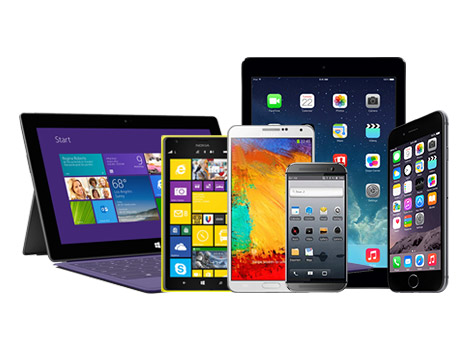
FLV Conversion for Mac can directly output videos playable on iPhone 6/6 Plus, iPad Air 2, iPad mini 2/3, iPod Touch, iPod nano, Apple TV, Samsung Galaxy S6/S6 Edge/Note 4/Note 4 Edge, HTC M8, Nexus 6, Sony Xperia Z3, MOTO X, LG G3, Galaxy Tab, Kindle Fire and other Android devices. Also it allows you to manually adjust all video and audio parameters to create your own profile for specific device.

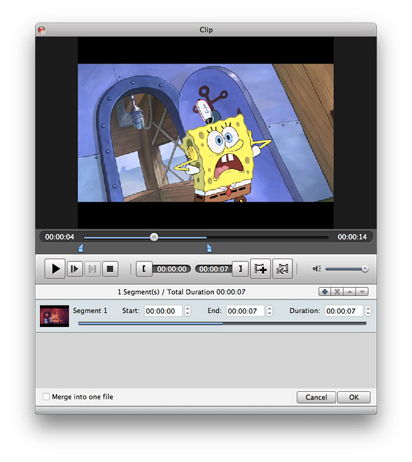
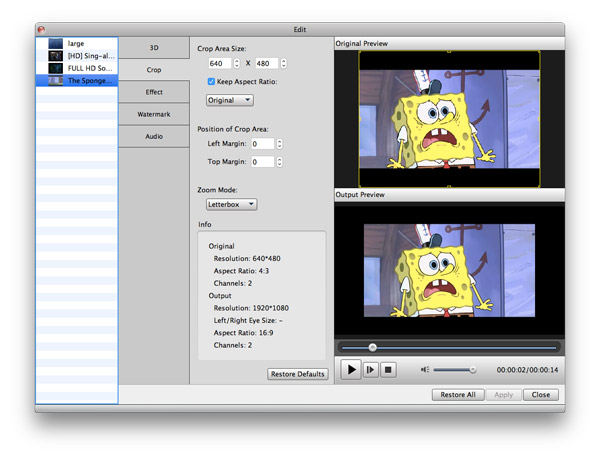
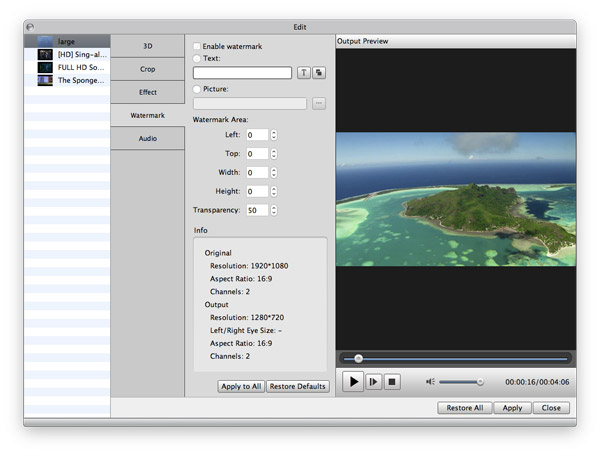
This wonderful Mac FLV Converter enables you to trim FLV video to get designated segment, crop video screen area to cut unwanted parts, merge several FLV clips into one video, add text/image watermark to video, and so on. You can easily create your own video with this Mac FLV to MP4 Converter.
Besides, you are allowed to adjust the output quality by customizing all encoding settings like Video Encoder, Resolution, Frame Rate, Video Bitrate, Audio Encoder, Sample Rate, Channels, Audio Bitrate, etc. You can also adjust video Brightness, Contrast and Saturation to improve the output effect.
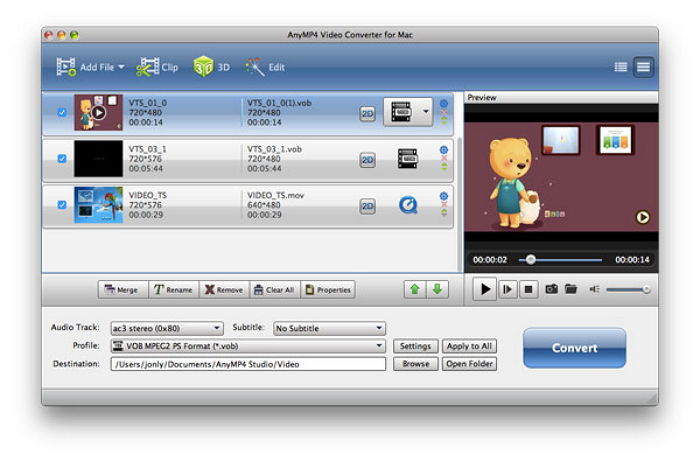
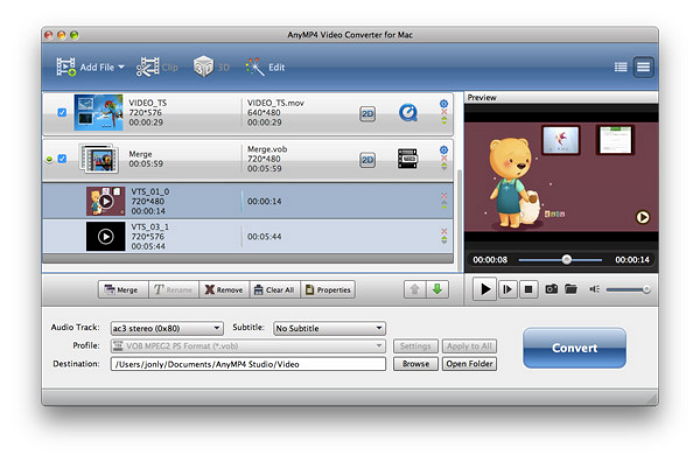
All videos can be previewed and you can quickly capture picture from video. You are even allowed to compare the original video and output video to check the editing and effect adjustment. Batch Conversion, Background Mode and After-Done Action provided by this iCoolsoft FLV Converter for Mac software make the video converting easier than ever.

| Video | Standard video formats: TS, MTS, M2TS, MXF, TRP, TP, MP4, M4V, QT, MOV, MPG, MPEG, MPEG2, MPEG4, MJPG, MJPEG, AVI, 3GP, 3G2, FLV, MOD, TOD, RM, RMVB, WMV, ASF, MKV, SWF, F4V, VOB, DAT, DV, DIF, OGM, WTV, DVR-MS, Bink video, WebM HD video formats: MTS, TS, M2TS, TP, TRP, HD MPG, HD MPEG, HD MPEG2, HD MPEG4, HD MP4, HD WMV, QuickTime HD MOV |
|---|---|
| Audio | Standard audio formats: FLAC, WAV, WMA, MP3, MP2, AAC, AC3, AIFF, APE, CAF, MPC, QCP, OGG, M4A, M4B, AUD, MKA, AIFC, RA, RAM, AU, AIF, CUE |
The comprehensive Video Converter to convert video/DVD to HD/3D videos and audio formats, download and convert online videos like YouTube.
Learn More >>
Convert DVD movies and video to any popular SD and HD video formats like MP4, MOV, M4V, AVI, WMV, MKV, FLV, Xvid, DivX, and audio formats.
Learn More >>
The best Blu-ray media player for Mac users to play Blu-ray disc, Blu-ray Folder, Blu-ray ISO image files and 1080p HD videos on Mac.
Learn More >>