
- Store
BD/DVD
Video
Mobile
- Windows Software
- iPhone Data Recovery
- iPhone Transfer
- Mac software
- iPhone Data Recovery for Mac
- iPhone Manager for Mac
PDF
- Windows Software
- PDF Converter Ultimate
- Mac software
- PDF Converter for Mac
Freeware
- Support
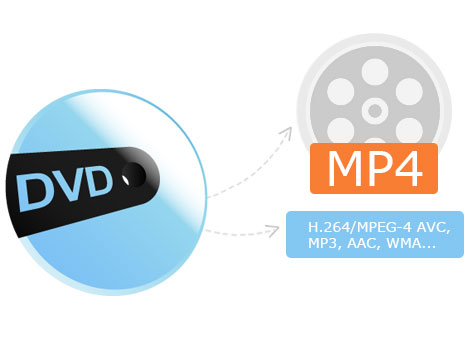
As the Best DVD to MP4 Converter, you are able to load DVD disc, convert DVD and rip DVD to MP4, H.264/MPEG-4 AVC, MOV, AVI, HD MP4 and even HD video files like HD H.264, HD MOV, HD AVI or convert DVD to MP3, AAC, WMA, M4A, AC3, AIFF, AMR, AU, FLAC, MP2, OGG audio files.
Besides, this DVD to MP4 Converting Software allows you to choose audio track and subtitle for output videos. The DVD titles and chapters are listed in the main interface, and you can choose any chapter to convert.
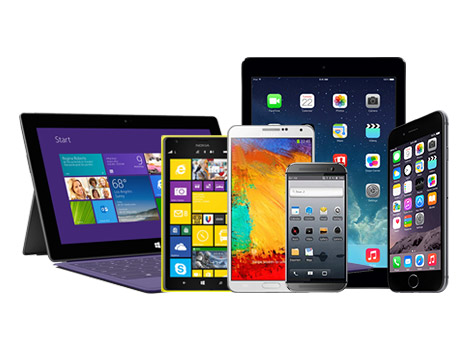
This DVD to MP4 Conversion Software features supporting most portable players, including iPhone 6/6 Plus, iPhone 5/5s/5c, iPhone 4s/4, iPad Air/2, iPad mini/2/3, iPad 4, iPod Touch, iPod nano, Apple TV, Samsung Galaxy S6/S6 Edge/Note 4/Note 4 Edge, HTC One, Nexus 6, Sony Xperia Z3, MOTO X, LG G3, Galaxy Tab, Kindle Fire, Nokia Lumia, Surface Pro,Android Phones and more Windows devices. You can use this tool to easily watch DVD movies on all these devices.
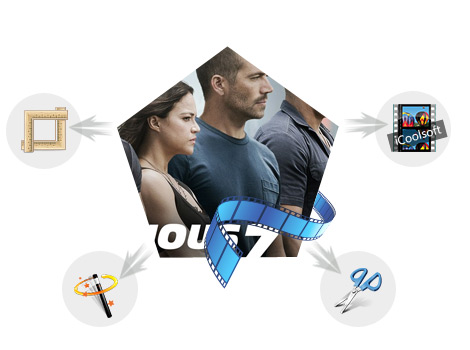
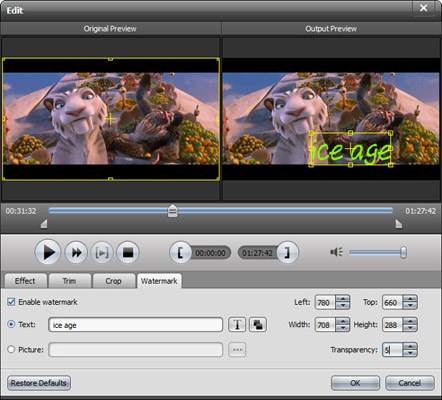
In addition, this DVD to MP4 Converter provides you with most powerful editing functions, you can trim movie to get designated part, merge multiple videos into one file, crop the playing region to cut black bars or retain any part as you want, adjust video effect, add text or image watermark to video, and so on.
Also, users have the option of tweaking all encoding settings like Video Encoder, Resolution, Frame Rate, Video Bitrate, Audio Encoder, Sample Rate, Channels, Audio Bitrate, etc. You can adjust the output quality as you want and customized DeCSS and DVD Loading mode, more conveniently.
All users will be impressed by the user-friendly interface, window size adjustable for accurately checking your DVD ripping, as well as fastest converting speed. Rich profiles are built in, you can easily find the one best meeting your needs and you are allowed to set different formats for the source movies and finish the converting at a time. It enables you to preview any chapter and take snapshot of your favorite screen.
| DVD | DVD Disc, DVD Folder, DVD ISO image file |
|---|
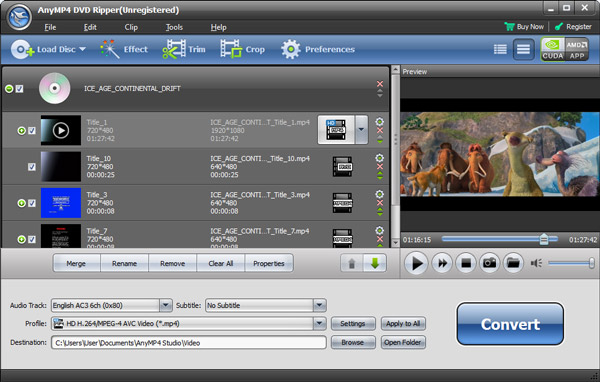
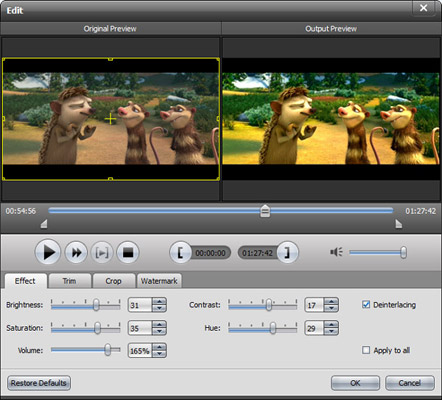
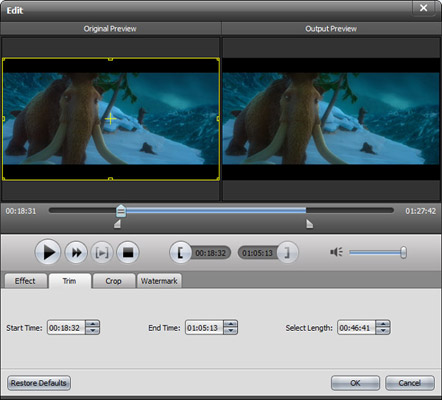
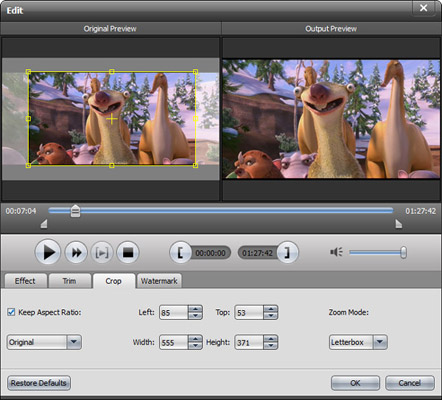
Rip DVD movies and convert DVD to MP4, AVI, DivX, MKV, MP4, WMV, FLV, 3GP, HD AVI, HD H.264, HD WMV and extract DVD audio tracks.
Learn More >>
Create DVD disc/folder/ISO image file from video formats like MP4, AVI, MKV, etc. as well as HD video formats with multiple DVD menu templates.
Learn More >>
Convert video and DVD discs/folders/ISO files to 2D/3D/HD videos and audios you want. Download online videos like YouTube, Vevo, Facebook, etc.
Learn More >>